 Carrier Integration Support
Updates in Scheduled Reports
Navigation: Business Intelligence → Reports → Shipments.
With this release, we have expanded the range of column filters available for reports with scheduling functionality.
Now, you have the possibility to apply new filters directly within the columns of a report generated on Cargoo, and these filters will be saved when you schedule a report.
In addition to the existing filters, now you can also add the following filters to your reports:
- Order Reference
- Rate Group
- Contract Number
- Party Name
- Party + Reference
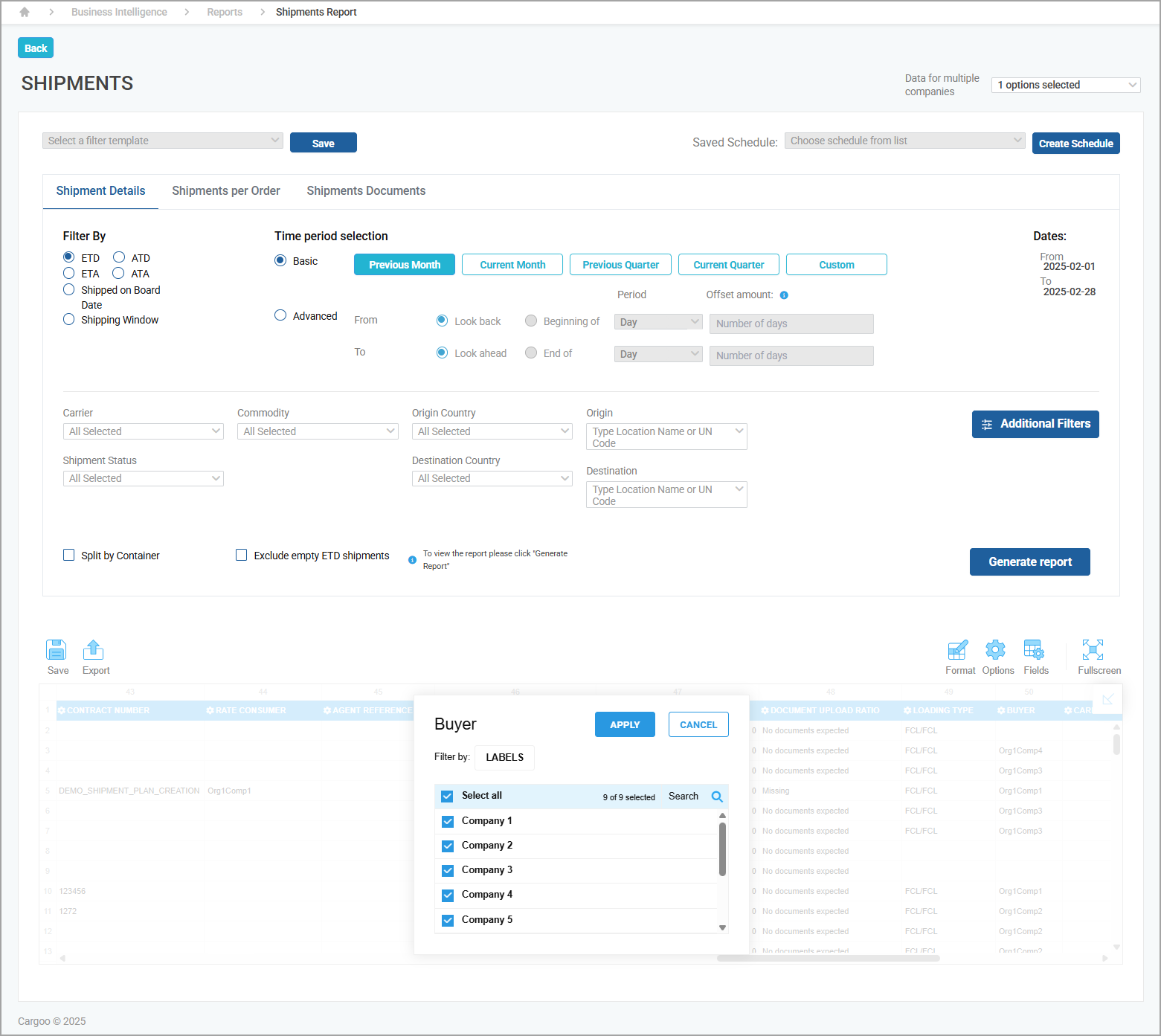
The selected filters will be applied to the scheduled report outputs, including Excel and CSV formats, whether you are generating reports immediately, downloading them, or setting up automated reports.
This improvement provides you with greater control and accuracy over the data displayed in scheduled reports.