 BIM Support
Updates in the Copied Shipment Status Date
Navigation: Home → Shipments.
To improve the handling of status dates when copying shipments, we now display the date on which the copy is applied.
Key Updates
Now, during the shipment copy process:
- For a copied Draft Shipment, the status date will show the date of the copy.
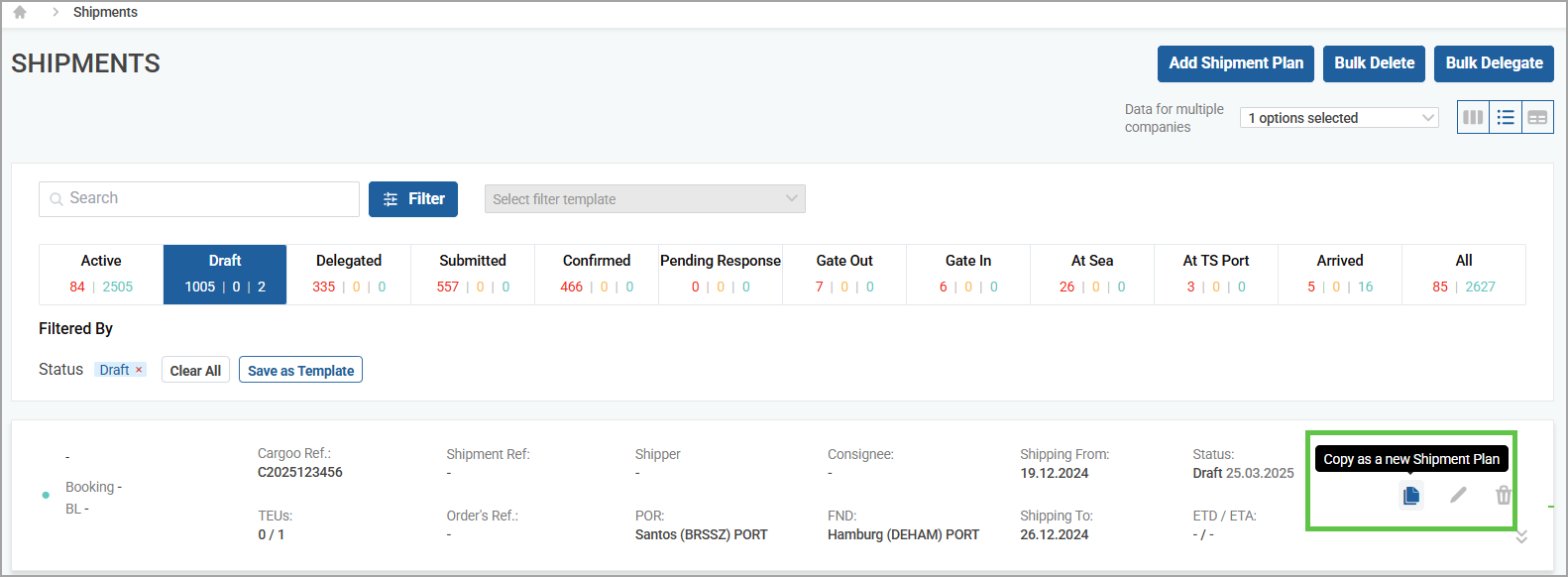
- For a Delegated Shipment, when selecting Copy as a Draft Shipment Plan, the status date will show the date of the copy.
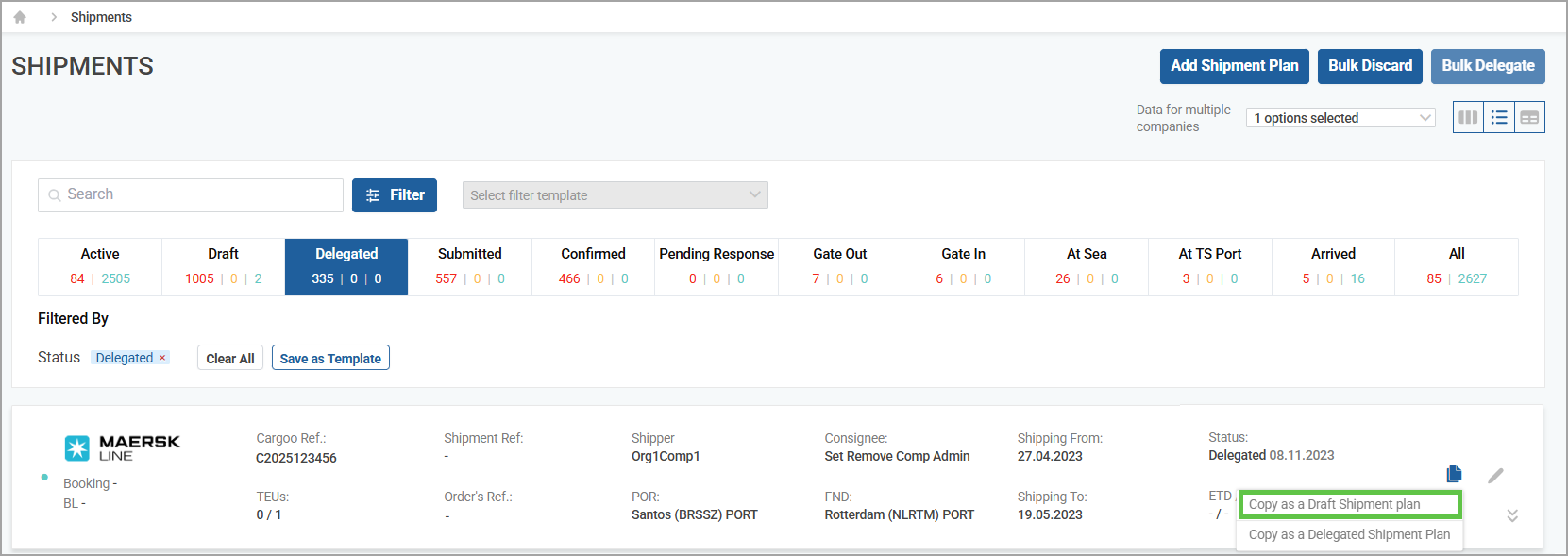
For a Delegated Shipment, when selecting Copy as a Delegated Shipment Plan, the status date will show the date of the original status date.These updates ensure the copied document accurately reflects the correct draft status date.